-
- No Comments
- July 3, 2026

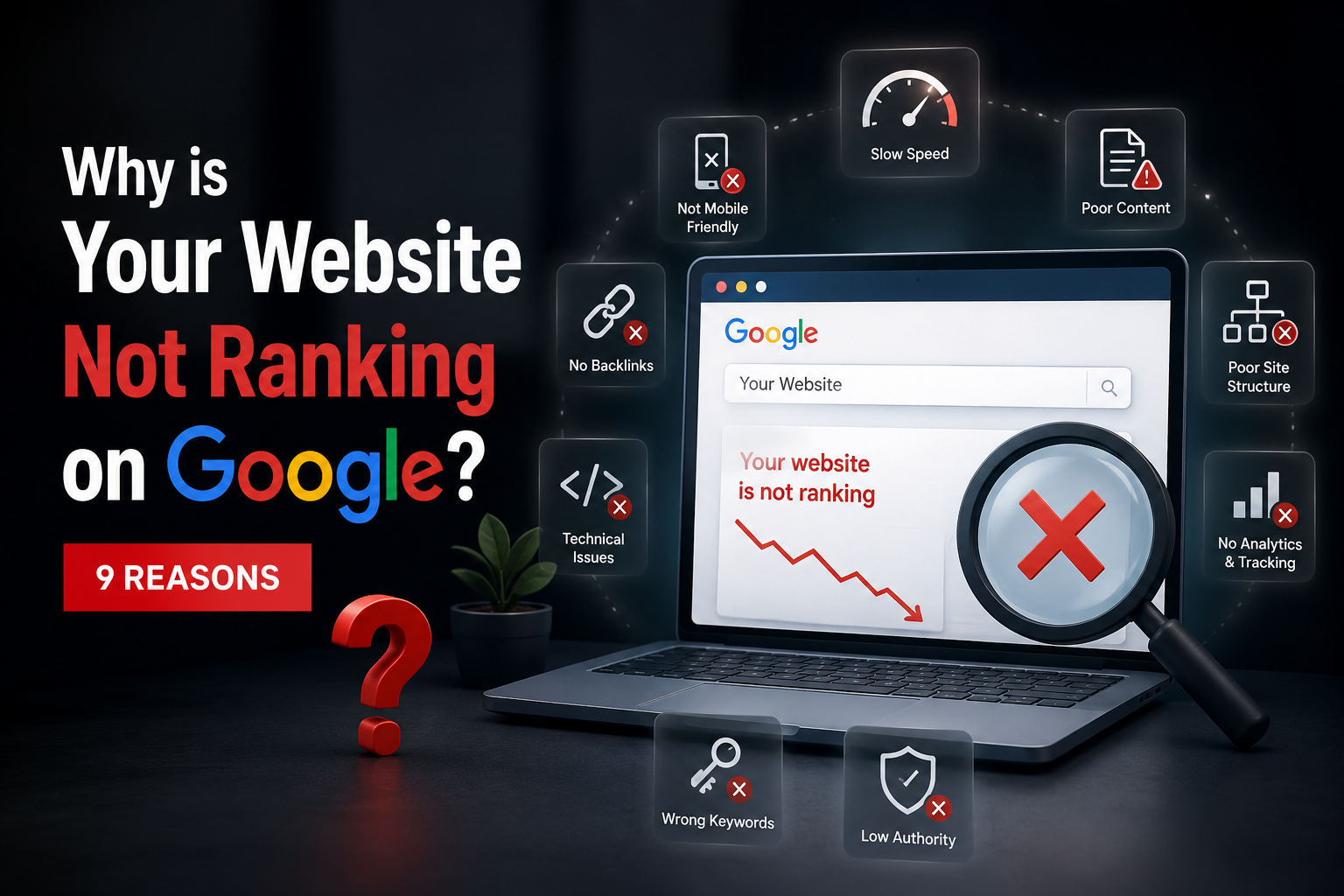
Why is Your Website Not Ranking on Google? 9 Reasons
Why is Your Website Not Ranking on Google? 9 Reasons
Why is your website not ranking on Google even after months of effort? This is one of the most common and frustrating questions business owners ask, and honestly, most of the time the reasons are simple to identify once you know exactly where to look.
In this guide, you’ll learn the real, most common reasons websites fail to rank — and exactly how to fix each one, step by step.
Table of Contents
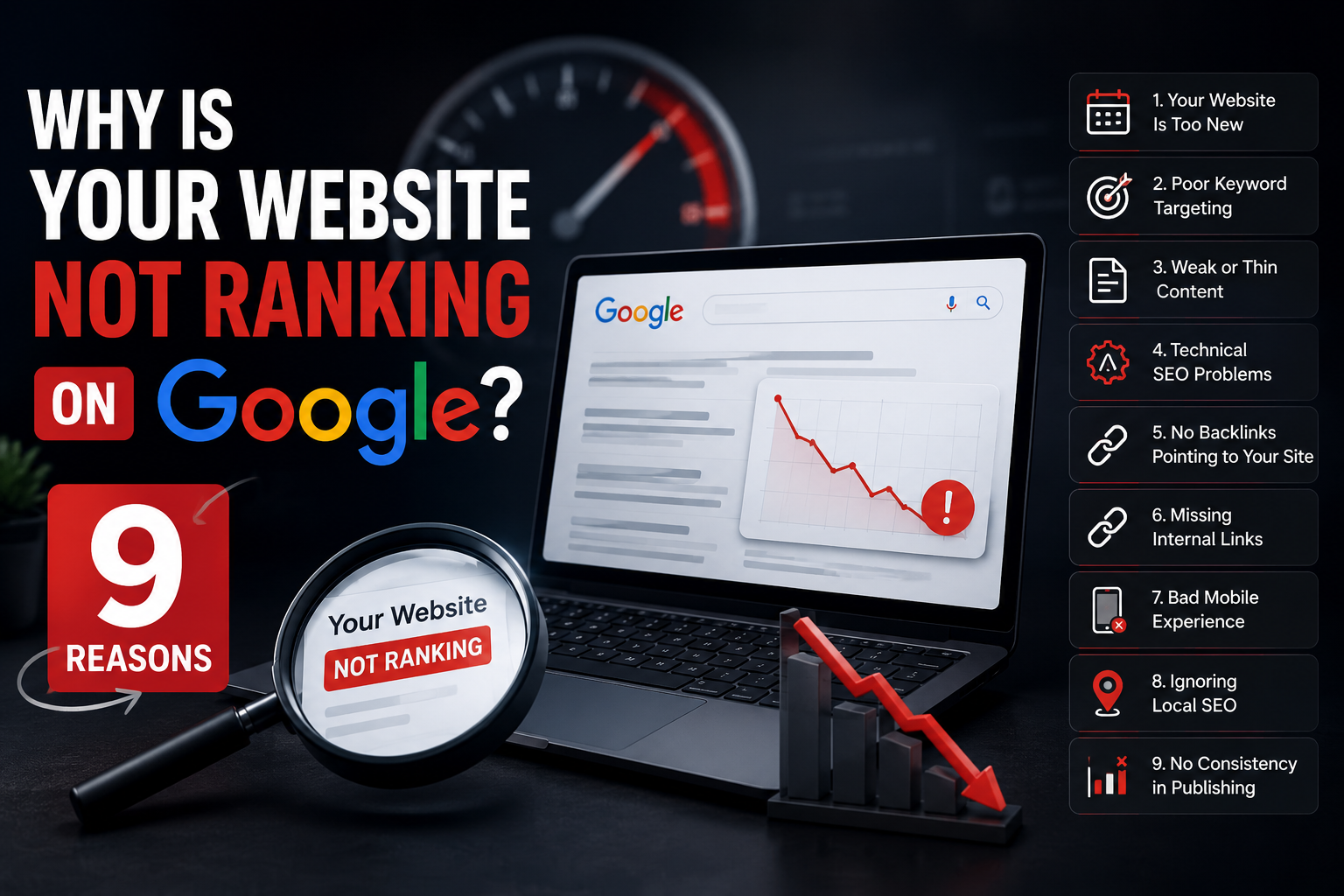
- Your Website Is Too New
- Poor Keyword Targeting
- Weak or Thin Content
- Technical SEO Problems
- No Backlinks Pointing to Your Site
- Missing Internal Links
- Bad Mobile Experience
- Ignoring Local SEO
- No Consistency in Publishing
- How to Fix Your Rankings Starting Today
1. Your Website Is Too New {#new-website}
If your website is only a few months old, low rankings are completely normal. Google takes time to trust a new domain — this period is often called the “sandbox effect.” New websites need time to build authority, get indexed properly, and earn trust signals before they can compete with older, established sites.
What to do: Stay consistent, keep publishing quality content, and give it time. Most new websites start seeing real traction after 4 to 6 months of steady effort.
2. Poor Keyword Targeting {#keyword-targeting}
Targeting Keywords That Are Too Competitive
Many business owners try to rank for broad, highly competitive keywords right away. Targeting a term like “digital marketing” when you’re a small local business is nearly impossible, since you’re competing against massive, established websites.
Not Understanding Search Intent
Google matches content to what the searcher actually wants. If someone searches for a buying-intent keyword and your page is purely informational, Google won’t rank it well, even if the keyword matches.
What to do: Start with long-tail, specific keywords that have lower competition and match clear search intent. Tools like Google Keyword Planner or Ubersuggest can help identify the right ones for your niche.
3. Weak or Thin Content {#thin-content}
Content That Doesn’t Fully Answer the Question
Google rewards content that thoroughly answers a searcher’s question. If your page is short, generic, or lacks depth, it simply won’t compete against detailed, well-researched articles already ranking on page one.
Missing Focus Keyword Placement
Your target keyword needs to appear naturally:
- At the very beginning of your content
- In your headings
- Spread throughout the body at a natural density of around 1%
What to do: Write in-depth content between 1,200 and 2,000 words that genuinely helps the reader, not content stuffed just to hit a word count.
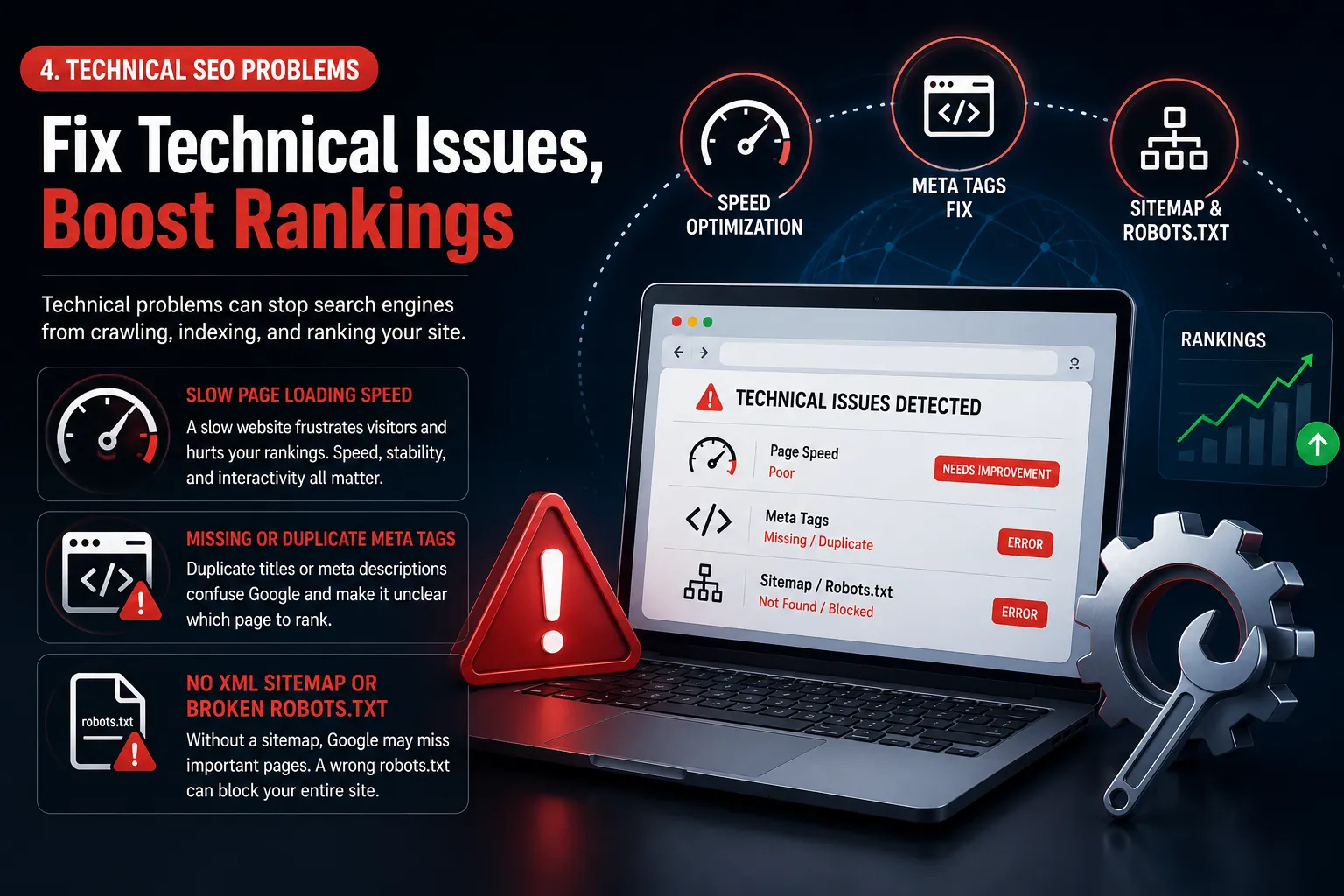
4. Technical SEO Problems {#technical-seo}
Slow Page Loading Speed
A slow website frustrates visitors and hurts your rankings directly. Google’s Core Web Vitals measure loading speed, visual stability, and interactivity — and all three affect how you rank.
Missing or Duplicate Meta Tags
If multiple pages on your site share the same title tag or meta description, Google gets confused about which page to rank for a given search.
No XML Sitemap or Broken Robots.txt
Without a proper sitemap, Google may struggle to find and index all your important pages. A misconfigured robots.txt file can even accidentally block Google from crawling your site entirely.
What to do: Run your site through Google PageSpeed Insights and Google Search Console to identify and fix technical errors.
5. No Backlinks Pointing to Your Site {#backlinks}
Backlinks remain one of Google’s strongest ranking signals. If no other websites link to yours, Google has fewer trust signals to justify ranking you above competitors who already have strong backlink profiles.
According to Search Engine Journal, websites with a healthy, natural backlink profile from relevant, authoritative domains consistently outperform similar sites with no external links pointing to them.
What to do: Focus on earning quality backlinks through guest posts, local business directories, partnerships, and genuinely useful content that other websites want to reference.
6. Missing Internal Links {#internal-links}
A lot of website owners completely overlook internal linking — connecting one page on their own site to another relevant page. This helps Google understand your site’s structure and distributes ranking authority across your pages.
If you haven’t read it yet, our guide on Does SEO Still Work in 2026? explains exactly how search engines evaluate a website’s overall authority.
What to do: Add 2 to 3 internal links in every blog post, pointing to other relevant pages on your own website.
7. Bad Mobile Experience {#mobile}
Google uses mobile-first indexing, meaning it primarily looks at the mobile version of your website to determine rankings — even for desktop searches. If your site is hard to navigate, has tiny text, or elements that don’t fit properly on a phone screen, your rankings will suffer significantly.
What to do: Test your website on multiple phone sizes and use Google’s Mobile-Friendly Test tool to catch any usability issues.
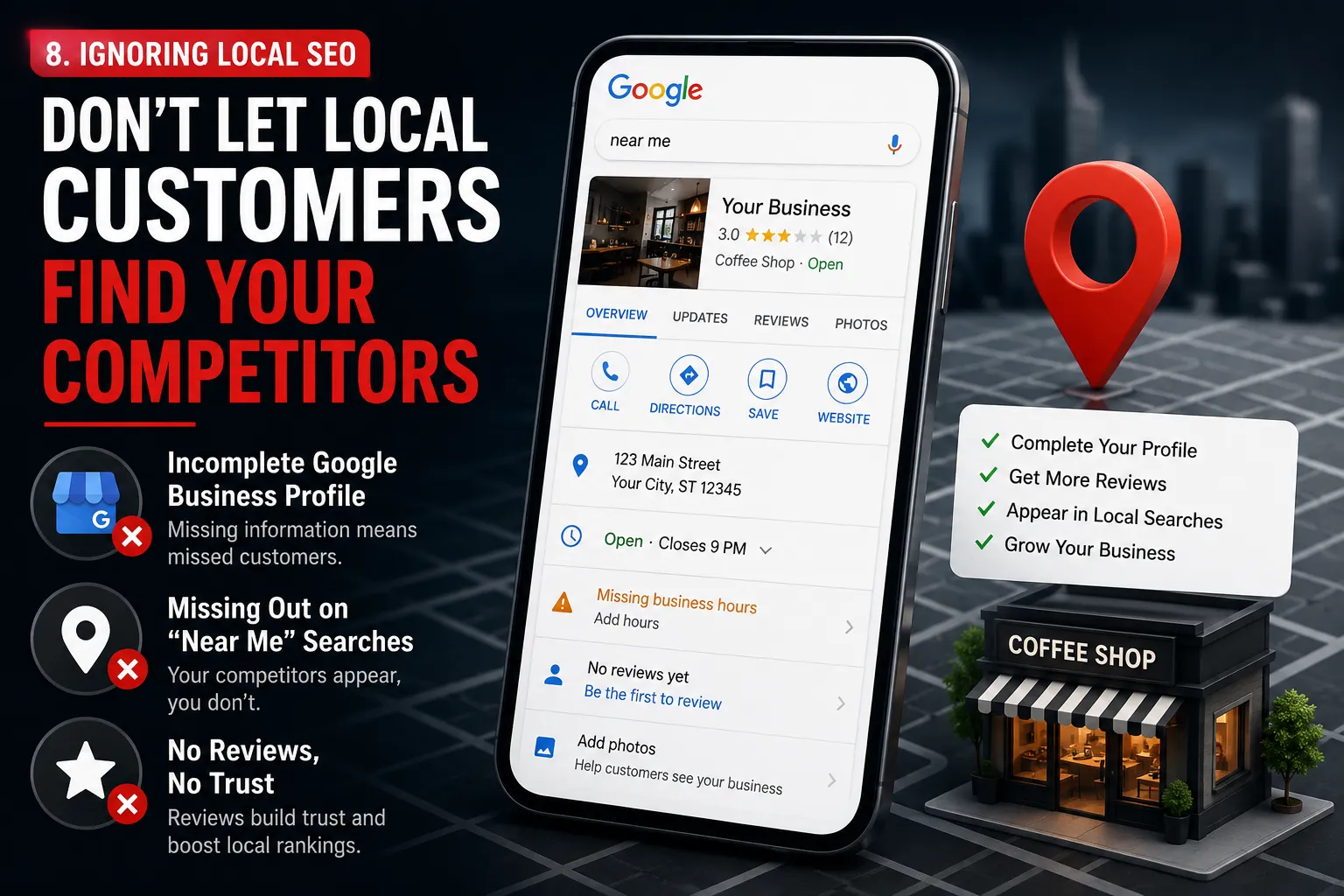
8. Ignoring Local SEO {#local-seo}
Incomplete Google Business Profile
If you run a local business
and haven’t fully optimized your Google Business Profile, you’re likely missing out on a huge share of “near me” searches, which continue to grow every year.
Learn more in our detailed post on Local SEO Services in Jaipur.
What to do: Keep your business name, address, and phone number consistent everywhere online, collect genuine reviews, and update your profile regularly.
9. No Consistency in Publishing {#consistency}
Publishing one blog post and then going silent for months sends a weak signal to Google. Search engines favor websites that are actively maintained and regularly updated with fresh, relevant content.
What to do: Create a simple content calendar and commit to publishing consistently, even if it’s just one quality post every two weeks.
How to Fix Your Website Rankings Starting Today {#how-to-fix}
Here’s a simple checklist to work through, in order of priority:
- Fix any major technical errors using Google Search Console
- Improve your page loading speed
- Rewrite thin or outdated content with more depth and clarity
- Add internal links across your existing blog posts
- Start building genuine backlinks through outreach and partnerships
- Optimize your Google Business Profile if you serve local customers
- Commit to a consistent publishing schedule
None of these fixes happen overnight, but applying them consistently over the next few months will make a measurable difference in your rankings.


