-
- No Comments
- July 29, 2026

7 Warning Signs Bad Website Design Is Killing Leads
7 Warning Signs Bad Website Design Is Killing Leads
Bad website design is often the quiet reason your leads dry up, even when your ads are working perfectly well. Your website is the first real conversation you have with a potential customer, and people judge that conversation almost instantly, long before they read a single word of your copy. If your layout feels cluttered, your pages load slowly, or your contact form is buried three clicks deep, visitors leave before they ever consider reaching out. That is not a traffic problem, it is a design problem, and it quietly costs you money every single day. In this guide, we will walk through the clearest signs of bad website design, explain exactly how it drains your leads, and share practical fixes you can start today, whether you run a small local business or a growing B2B company.
What Bad Website Design Really Costs Your Business
Every month, businesses spend real money on ads, SEO, and social media just to bring visitors to their website. Bad website design then chases many of those same visitors away before they ever get the chance to convert. Researchers at Carleton University found that people form a snap judgment about a website’s credibility in roughly 50 milliseconds, long before they have read a single line of copy. A separate, widely cited study from Stanford’s Persuasive Technology Lab found that most users judge a company’s credibility mainly by how its website looks, not by what the copy actually says.

If your homepage feels outdated, slow, or confusing in that first glance, you rarely get a second chance to change that impression. The visitor simply leaves, often for a competitor’s site, and that lead is gone for good. Over months and years, this adds up to a steady, invisible leak in your marketing budget, one that no amount of extra ad spend can patch on its own.
7 Signs Poor Website Design Is Turning Visitors Away
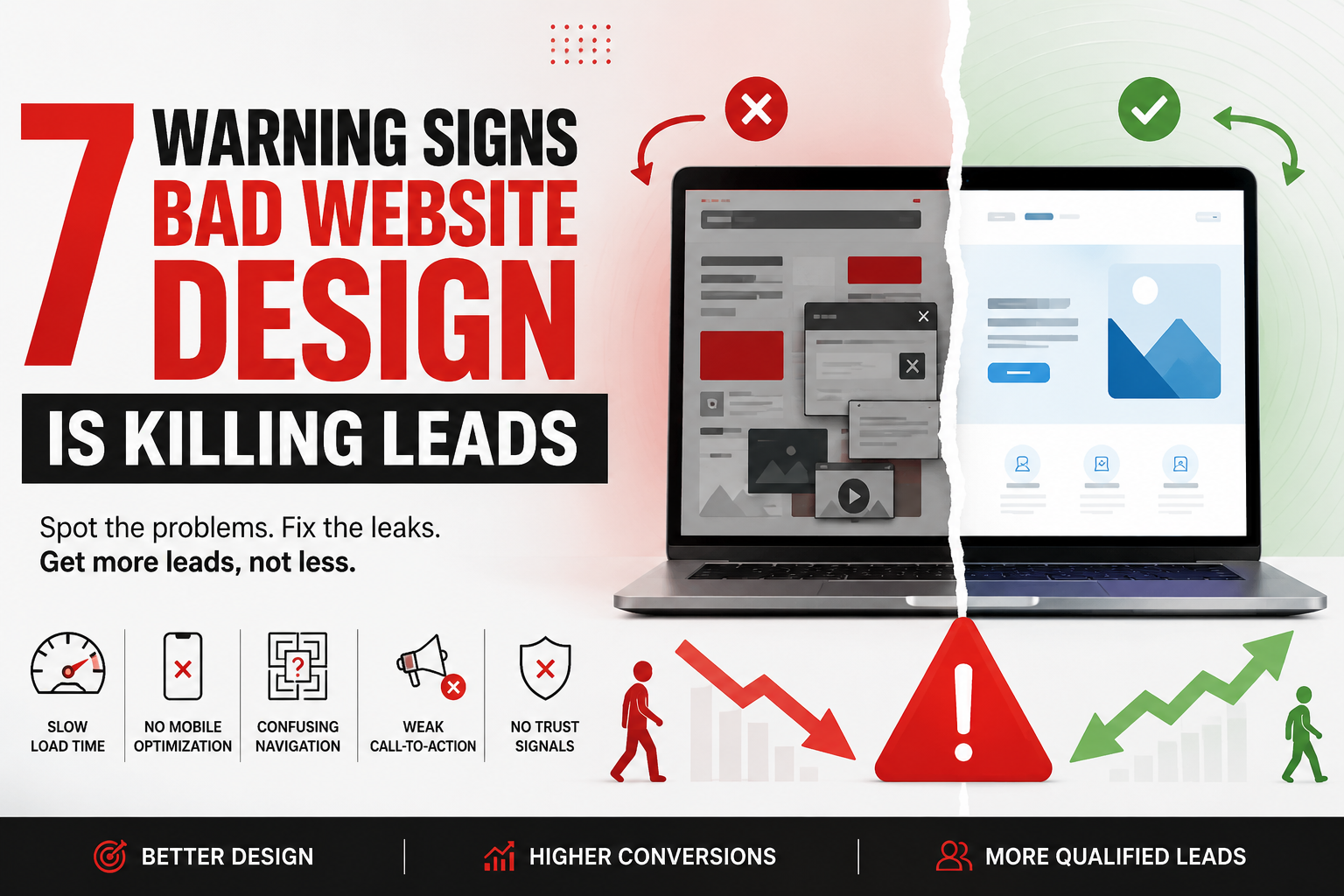
Bad website design and outdated layouts rarely announce themselves with an error message. They show up as small, everyday frustrations that quietly add up to a lost lead. Watch for these seven warning signs on your own site.
- Slow loading pages — every extra second of load time pushes visitors toward the back button and straight to a competitor’s page.
- Cluttered layouts — too many colors, fonts, and pop-ups compete for attention and bury your actual message underneath the noise.
- Confusing navigation — if visitors cannot find your services or contact page within a few clicks, they will rarely go looking for it.
- No mobile optimization — most traffic now arrives on phones, and a site that does not adapt loses those visitors almost instantly.
- Weak or missing calls-to-action — a buried or vague button gives interested leads no clear next step to take.
- Outdated visuals — old templates, stretched images, and dated fonts quietly signal that a business is not active or trustworthy.
- No trust signals — missing reviews, certifications, or clear contact details make visitors hesitant to hand over their information.
How Website Design Problems Sabotage Your Lead Generation Funnel
Lead generation depends on trust and clarity at every single step, and bad website design breaks both at once. A visitor who lands on a slow, confusing page rarely scrolls further, let alone fills out a form or picks up the phone. Your bounce rate climbs, your average session time drops, and your marketing spend delivers fewer real inquiries for the same budget.
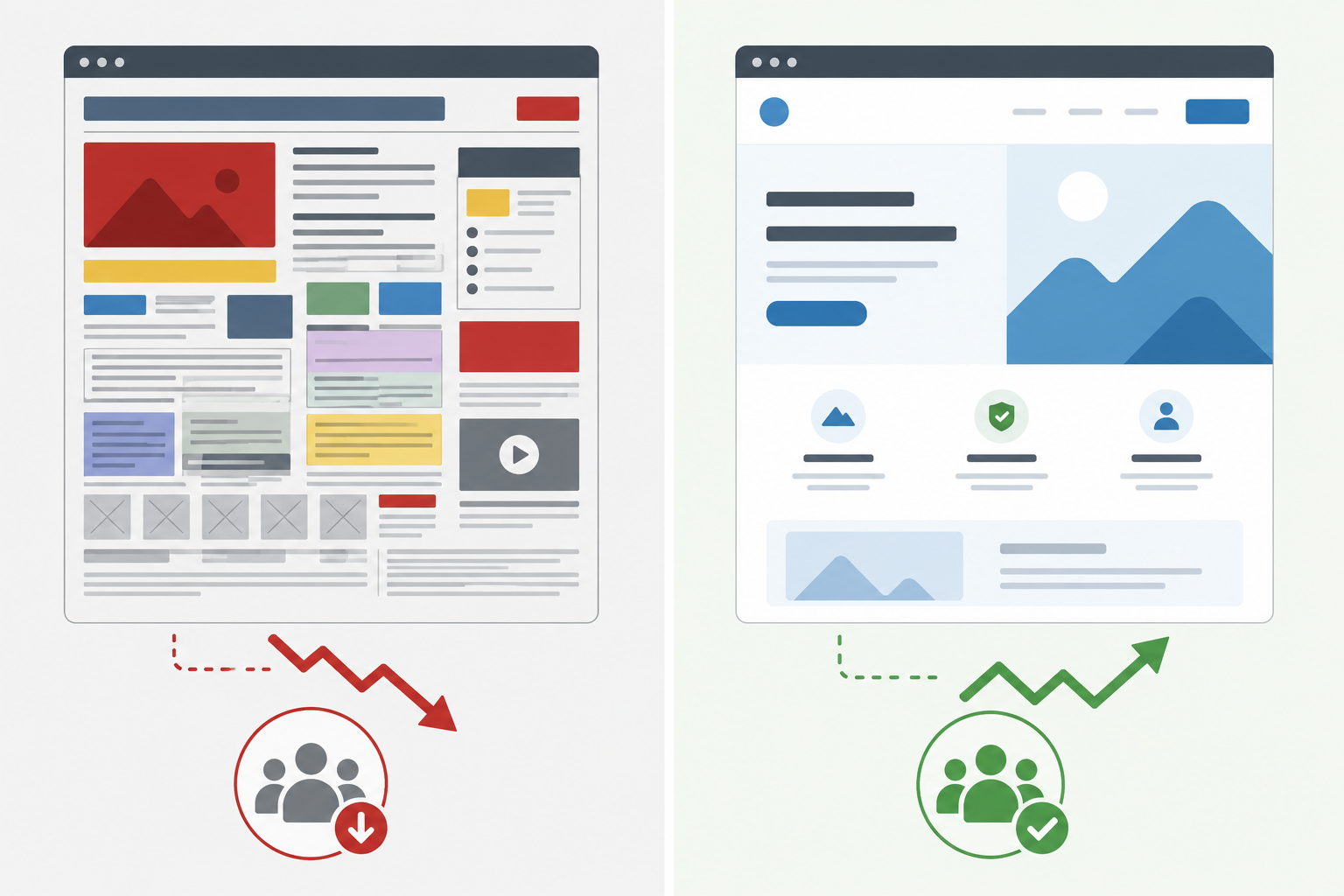
Even a genuinely strong offer and well-targeted ads cannot overcome a landing experience that feels unreliable or dated. Visitors quietly assume that a business with a poor website will be just as sloppy with their order, their project, or their money. The fix is not always spending more on advertising. It is often making sure the website itself is doing its job properly, so every visitor you already paid to reach gets a fair chance to convert.
Quick Fixes for a Poor Website That Actually Convert
You do not need a full rebuild to stop bad website design from costing you customers. Most of the damage comes from a handful of fixable issues, so start with these practical steps.
- Compress images and enable caching to cut load times noticeably.
- Simplify your main menu down to five or six clear options.
- Place one primary call-to-action above the fold on every page.
- Test every page on mobile before you publish it live.
- Add short testimonials or trust badges near your contact form.
- Rewrite dense paragraphs into short, scannable sentences.
Together, these small changes rebuild the trust that poor design quietly erodes over time. If your site was built years ago or has simply grown without a clear plan, a professional overhaul from a team that offers dedicated website design services can address these issues faster and more thoroughly than piecemeal fixes ever will.
When Website Design Needs Professional Help
Some fixes are quick wins you can make this afternoon. Others need a structural rebuild: new navigation, faster hosting, a mobile-first layout, and copy that actually matches how people search for your services. Past a certain point, DIY tweaks tend to plateau, and bad website design keeps quietly draining leads in the background no matter how many small tweaks you make.
Pairing a redesign with focused lead generation strategies ensures the new site is not just prettier to look at, it is genuinely built to turn visits into inquiries and inquiries into paying customers. For more on how design choices shape first impressions, Nielsen Norman Group’s research on homepage design principles is a solid, practical place to start.
Frequently Asked Questions
What exactly counts as bad website design?
Bad website design covers anything that makes your site slow, confusing, or hard to trust. Think cluttered pages, broken navigation, poor mobile display, or a missing call-to-action that leaves visitors unsure what to do next.
How much does bad website design actually cost a business?
It varies by industry and traffic volume, but even a small drop in load speed or a confusing menu can cut conversion rates noticeably, since most visitors leave within seconds of a poor first impression.
Can I fix this without rebuilding the whole site?
Often yes. Compressing images, simplifying navigation, and clarifying your main call-to-action can meaningfully improve results without needing a full redesign right away.
How long does it take to fix bad website design?
Small technical fixes can show results within a few weeks, while a full redesign addressing the problem at a structural level usually takes four to eight weeks depending on the scope of work.
What is the first step to fixing bad website design?
Start with a quick, honest audit. Check your load speed, test your site on a real phone, and time how long it genuinely takes to find your contact page.
Conclusion
Bad website design does not announce itself with an error message. It shows up as visitors who leave quietly, forms that never get submitted, and ad spend that never quite pays off the way it should. The good news is that most of these problems are fixable once you know exactly what to look for.
Start with the seven signs above, fix what you can this week, and bring in expert help for the parts that need a deeper rebuild. Your website should work every bit as hard as the rest of your marketing, not quietly undo it behind the scenes.


